
Create a TikTok account in the United States
Local operators create and run your accounts on real devices in the United States. Manage your brand and publishing from your dashboard or AI agent, wherever you work.
Local setup · Managed publishing · Web, API and AI agents
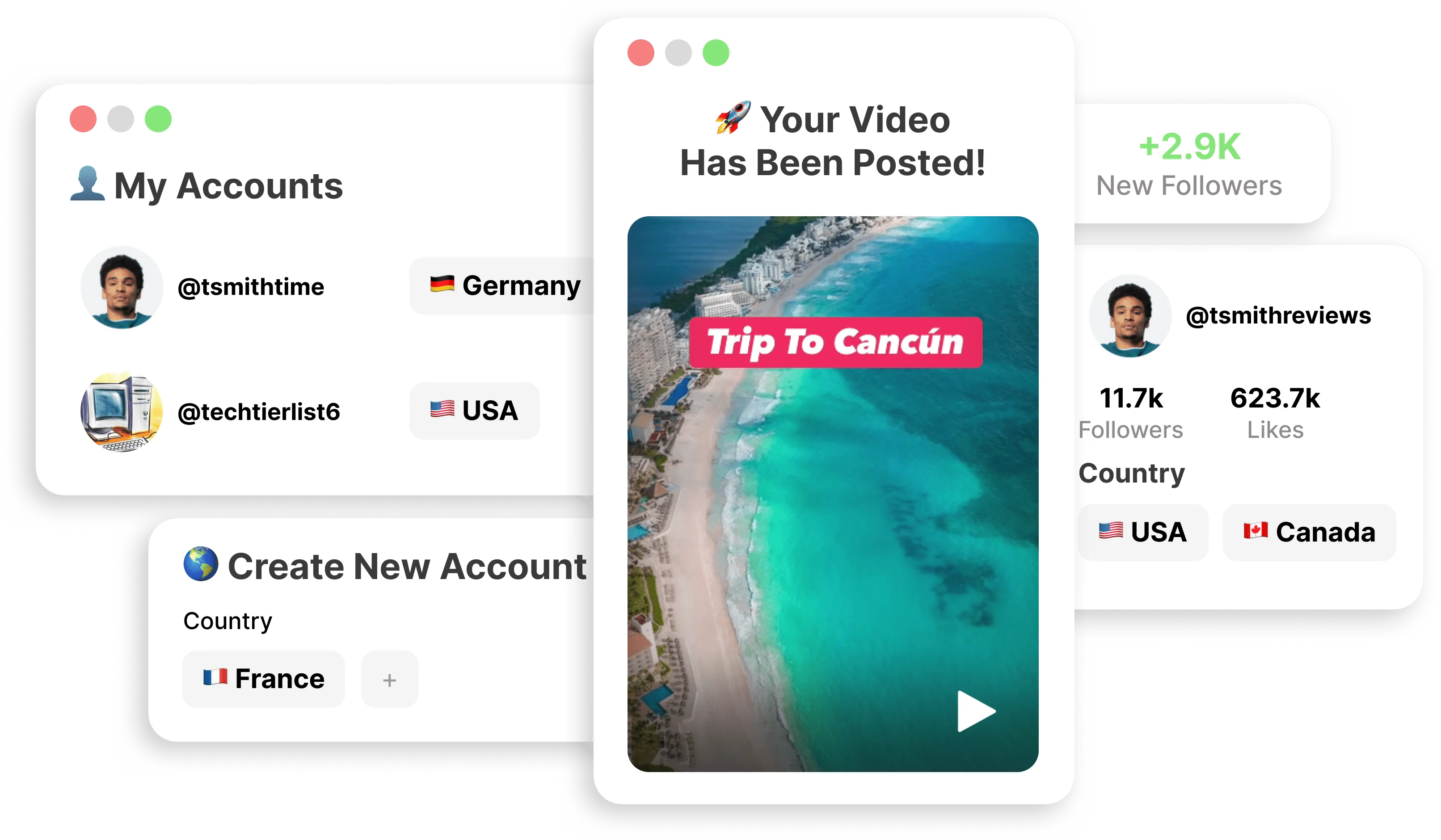
Product illustration
To create a TikTok account in the United States from abroad, choose the market in TokPortal and let local operators handle the account work there. You do not need to set up a VPN or source a local SIM yourself. TokPortal is a paid service for creating and operating accounts. See current pricing.
From your first account to a publishing routine
Choose your account
Select TikTok and United States from the available markets. Choose account creation alone or include publishing slots. Review the total before confirming your order.
Set up your brand
Prepare your requested handle, display name, bio and profile image. Submit the configuration, then follow local account setup and delivery in TokPortal.
Run your publishing
Prepare your videos, captions and available publishing dates. Local operators carry out the work; you follow delivery and account performance from your dashboard.
Keep your launch plan aligned with the setup and delivery status shown in your dashboard. Follow the dashboard walkthrough.
Build your presence in the United States
For example, an app team outside the US can prepare product demos and separate accounts for different creative angles. Keep the profile, content and business conversion destination clear for each account.
Start with a clear audience and content you are ready to publish. Compare account performance with visits and purchases in your own business before expanding the network.
Bring these to your first setup
- Your brand, requested handle, bio and profile image
- The platform, available market and number of accounts
- Approved videos and captions if you include publishing
- A destination to measure visits, signups or purchases
Plan the full account budget
Check account creation, ongoing Coverage and the content you want published. Review optional services separately, then confirm the current total in your workspace.
Account setup
32 credits per account
Local setup. First 30 days of Coverage included. Publishing and optional services cost extra. Review your workspace total.
Pricing and calculatorOngoing Coverage
Review what is included at setup and the recurring cost of keeping your accounts managed.
Coverage termsOptional services
Advanced Niche Warming has its own scope and price. Credential reveal is a separate, irreversible decision affecting management and support.
Delivered accounts and accessRun it from your dashboard or AI agent
Use the same account workflow from the web app, REST API or MCP. Start with available markets and a quote, then automate the steps your team needs.
Prepare a country account launch
Follow the account setup, budget and publishing path, with links to the technical previews.
Read the account launch guideConnect an assistant or workflow
Connect MCP for an AI agent or use the API to build your own workflow. Check market availability before ordering.
Launching an app, SaaS product or client brand from abroad?
Use the US launch guide and reusable brief, or preview a US account quote with the manual n8n workflow.
Account location and audience reach
TokPortal gives you local account operation. Your content still has to earn attention: TikTok considers several signals when recommending videos, so the country you choose does not guarantee an exclusive audience or a fixed number of views.
Questions before your first account
Can I create a United States TikTok account from abroad?+
Is a United States TikTok account free?+
Do I need a VPN or a local SIM?+
How fast is delivery?+
Is niche warming included?+
Will all my views come from United States?+
How do I access account credentials?+
Can I publish on several TikTok or Instagram accounts?+
Explore other account markets
Check current availability in TokPortal before planning an order.
Launch your accounts in the United States
Bring your brand and content. Choose your market and review the account setup in TokPortal.
Launch my accountsContent reviewed